How to Add Online Payments to Your Website: Options and Requirements
A client has chosen a service or product and is ready to pay — but the website only says "call us". Some of these clients never call. Online payments let you take money right away, collect prepayments for bookings and sell around the clock, even when you're not answering calls.

There are different ways to set this up: from a simple payment link that takes an evening to a full integration with your website. Let's look at the options, what they require and how to avoid mistakes.
Why a website needs online payments
- Sales without your involvement. A client places and pays for an order in the evening or on a weekend without waiting for a reply.
- Fewer no-shows. A prepayment for a booking noticeably reduces the number of people who book and don't come.
- Less manual work. No need to send bank details, wait for a transfer and check payments by hand.
- Convenience for the client. Many people are used to paying by card or phone in a couple of taps and don't want to deal with transfers.
Ways to accept payments
Payment link. A bank or payment service creates a link to a payment page for the required amount. You can send it to a client in a messenger or put it on a button on your website. No integration with the website is needed, so it's the fastest way to start accepting payments. It suits you if there aren't many orders and the amounts are known in advance.
Payments through a booking service or website builder. Many online booking services, website builders and store platforms can accept payments themselves: you just connect a payment system in the settings. It's convenient if you already use such a service — read more about booking services in the article "Online Booking for Clients".
Payment widget or form. A payment service gives you a small piece of code to paste on a page: the client chooses a service or enters an amount and pays without leaving the website or on the service's secure page.
Online acquiring with integration. A full setup through a bank or payment aggregator: the website itself creates a payment for the order amount and, after payment, automatically gets confirmation and changes the order status. It's needed for online stores and any website with many orders and different amounts every time. Popular content management systems usually have ready-made modules; for a custom website it's set up following the service's documentation.
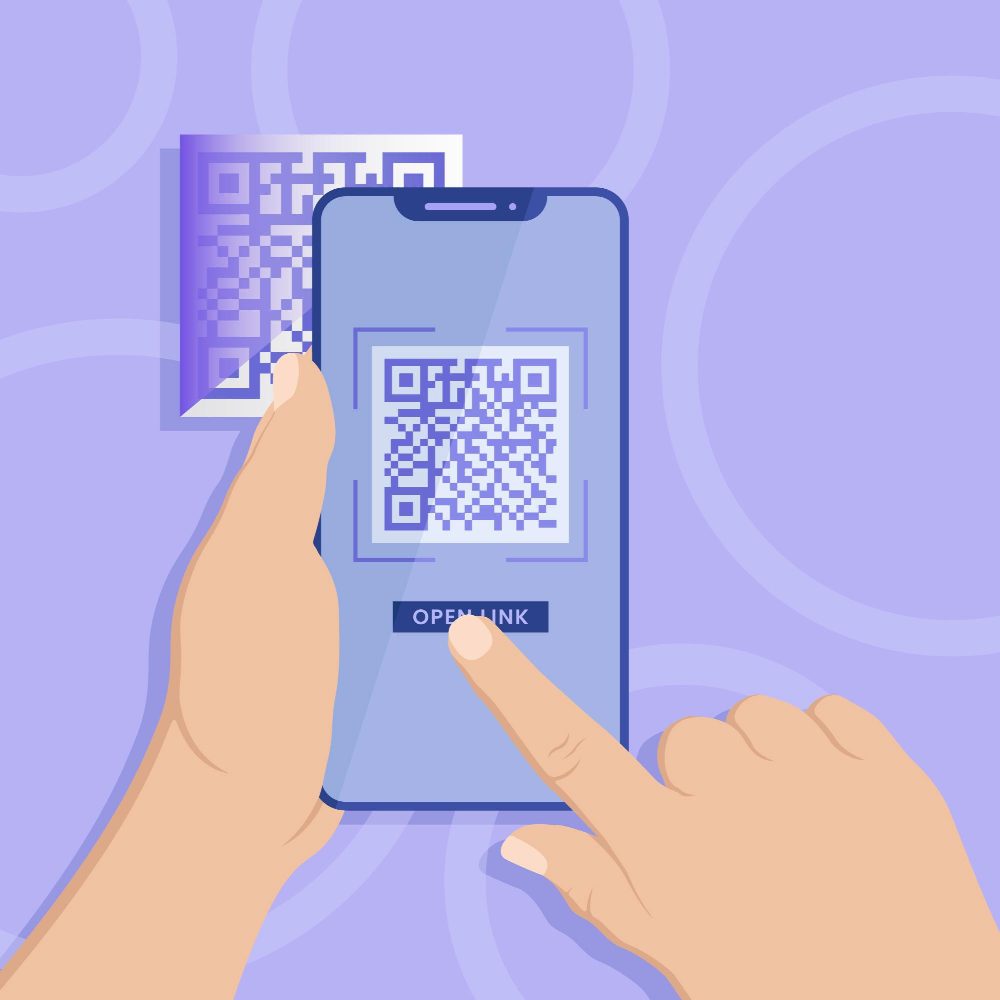
Payment by invoice or QR code. For payments from companies, the website can generate an invoice with bank details, and many banking apps can pay by a QR code with the details and amount already filled in.
Comparing the options
| Option | Setup time | Developer needed | Best for |
|---|---|---|---|
| Payment link | A day or two | No | Specialists, consultants, small sales |
| Through a booking service or builder | A day or two | Usually not | Those already using such a service |
| Payment widget | A few days | Preferably | Websites with several services or donations |
| Online acquiring | A week or more | Yes | Online stores and websites with frequent orders |
| Invoice or QR code | Fast | Depends on the method | Payments from companies |
What a business needs
Banks and payment services have similar requirements. Usually you need:
- A registered business — a sole proprietorship or a company — and a business bank account. Some services also work with self-employed people, but not all.
- A contract with a bank or payment aggregator. Compare the fee per payment, payout times and refund terms.
- A website with the required information: descriptions of products or services with prices, payment, delivery and refund terms, company details and contacts, public terms of sale or service.
- HTTPS — payment services won't connect a website without a secure connection.
- Receipt requirements. In many countries you must give the buyer an electronic receipt for online payments. Check with your accountant and the payment service how to do this in your case.
💡 Tip: prepare the terms of sale, refund policy and company details pages in advance. Banks check the website before connecting it, and missing information is the most common reason for a refusal or a long review.
How setup works
- Choose a bank or payment service and submit an application.
- The service checks the website and documents, and then you sign a contract.
- Add payments to the website — with a link, widget, module or integration.
- Run test payments: most services have a test mode with fake cards.
- Switch payments to live mode and make one real small payment to check the whole path until the money arrives.
Security
Clients' card details shouldn't pass through your website, let alone be stored on it. With a proper setup, the client enters them on the payment service's secure page, and your website only gets the result: paid or not. This is safer and saves you from strict requirements for protecting payment data.
⚠️ Important: consider an order paid only after confirmation from the payment service sent to your server, not after the client returns to the "Thank you for your payment" page. Anyone can open that page without paying, just by visiting its address.
Common mistakes
- An order is marked paid when the success page opens, not on confirmation from the payment service.
- The website has no terms of sale, prices or company details — the bank refuses or delays the review.
- The fee isn't factored in. There almost always is one, and it's worth building it into your prices in advance.
- Refunds aren't thought through. A client asks for their money back, and you don't know how to do it in the service's dashboard.
- No payment notifications. A payment went through, and you found out a week later. Set up notifications by email or Telegram.
Summary
You can start accepting payments today with a payment link or built-in payments in a booking service. When orders grow, it's worth moving to online acquiring with integration so payments and order statuses are handled automatically. In any case, prepare the terms of sale, refund policy and company details on the website in advance — it speeds up the setup.
💳 Need to add payments to your website? Message me — I'll help you choose an option, prepare the pages and set up the integration.
Published