Telegram Link Preview: How to Set Up, Update or Remove It
When you send a link in Telegram, a card appears under the message: a title, a short description and an image. A link like this looks neat and draws more attention. But sometimes the preview doesn't appear at all, shows an old title or the wrong image.
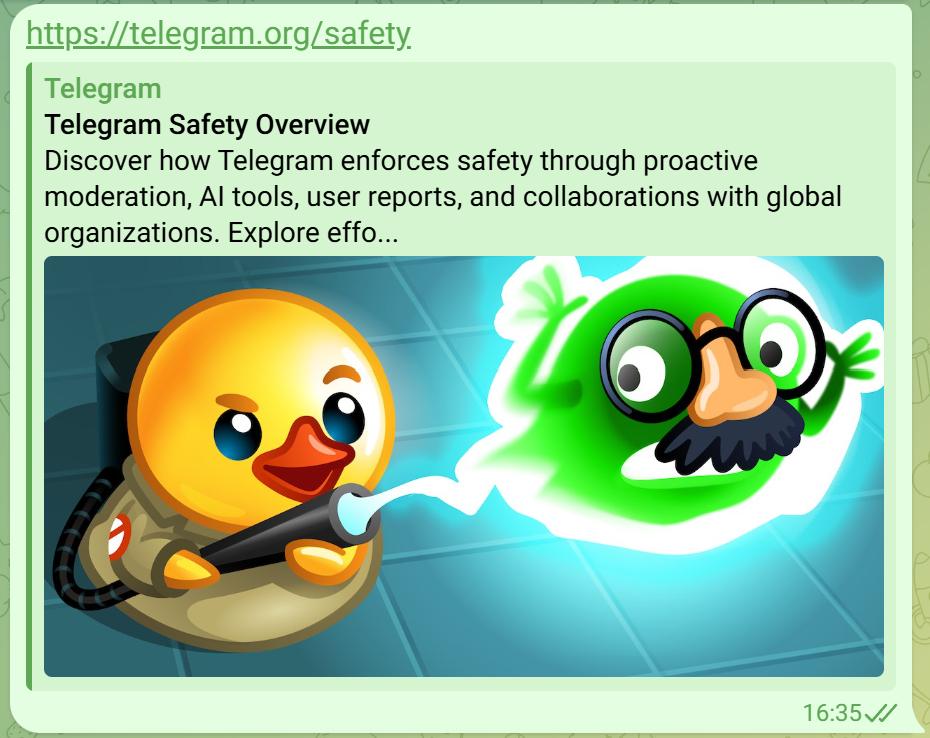
Let's look at where Telegram gets the preview data from, why it may not work, how to update an outdated preview and how to remove or change it in your own message.
Where the preview comes from
When a message contains a link, Telegram's servers open the page themselves and look for special Open Graph meta tags in its code. Other social networks and messengers use them too. There are three main tags — the title, the description and the image:
<meta property="og:title" content="Page title">
<meta property="og:description" content="A short description of the page">
<meta property="og:image" content="https://example.com/images/preview.png">
The tags go inside the head section of every page on the website. If they're missing, Telegram will try to use the regular page title and meta description, but most likely there will be no image in the preview.
Why the preview is missing or wrong
Most often the problem is one of these:
- No Open Graph tags. Many custom websites and templates simply don't output them.
- Wrong image format. Telegram doesn't show SVG — a preview needs a PNG or JPG image.
- A relative image address. og:image must contain the full address with https:// and the domain, not a path like /images/preview.png.
- The file is too large. Telegram may fail to load a heavy image, so it's better to keep it to a few hundred kilobytes.
- Telegram can't access the website. If the page loads slowly, requires a login or shows an "I'm not a robot" check first, Telegram can't read the tags.
- The server is in a network Telegram can't reach. In some countries access to Telegram is restricted, and hosting there may block requests from its servers. Then there will be no preview at all, even if the tags and the image are set up perfectly. You can check this in the server logs: if there are no requests with TelegramBot in the User-Agent, Telegram doesn't reach the website. The only fix is moving the website to hosting in another country.
- An old version in the cache. If you've already fixed the tags but the preview is still the same, Telegram is showing a saved version.
💡 Tip: the optimal preview image size is 1200×630 pixels. These proportions display correctly in Telegram and in other social networks.
How to update a preview
Telegram saves link previews so it doesn't have to load the page again every time. That's why, after you change the title or image on the website, the link may keep showing the old version for a long time.
The official bot @WebpageBot helps update a preview manually. Just send it the page link — the bot will read the page again and show the new preview. After that, the link will look updated in every chat you send it to.
⚠️ Important: the bot updates the preview only for a specific address. If several pages on the website have changed, send it each link separately.
Sometimes the bot keeps showing the old preview. In that case you can add any parameter to the link, for example ?tg=1:
https://example.com/page?tg=1For Telegram this is a new address that isn't in its cache yet, so it loads the page again and builds a fresh preview. The website still opens the same page — most websites simply ignore unknown parameters. This trick also helps you quickly find the cause: if the link with the parameter shows the correct preview, the website is fine and the problem is only Telegram's cache.
How to remove or change a preview in a message
If the preview gets in the way, you can remove it before sending: when you paste a link, a preview card with a cross appears above the input field — tap it, and the message will be sent without a preview. You can remove the preview from a message you've already sent the same way by editing it.
In recent versions of Telegram you can also customize the preview: if you tap the card before sending, you'll get options to show the preview above or below the text and to make the image larger or smaller.
Checklist for website owners
To make links to your website look good in Telegram, check that:
- every page has og:title, og:description and og:image;
- og:image contains the full image address with https://;
- the image is a PNG or JPG, about 1200×630 and not too heavy;
- the website opens quickly and without "I'm not a robot" checks;
- the server logs show requests from TelegramBot;
- the preview has been updated with @WebpageBot after changes.
Summary
A Telegram link preview is built from the Open Graph meta tags on the page. If the preview is missing or outdated, check the tags and the image, and then update the preview with @WebpageBot or check the link with the ?tg=1 parameter. You can remove or change the preview in your own message right when sending it.
💬 If links to your website look bad in Telegram, message me — I'll set up meta tags and previews for all your pages.
Published