How to Send Website Form Requests to Telegram with PHP
Website requests usually go to email, where they're easy to miss: the message lands in spam or simply gets lost among newsletters. If a request arrives in Telegram right away, you see it on your phone a second after it's sent — and can reply to the client before they go to a competitor.
You can set this up in half an hour without third-party services: you'll need a bot, a chat ID and a few lines of PHP. Let's go through all the steps and common errors.
Creating a bot
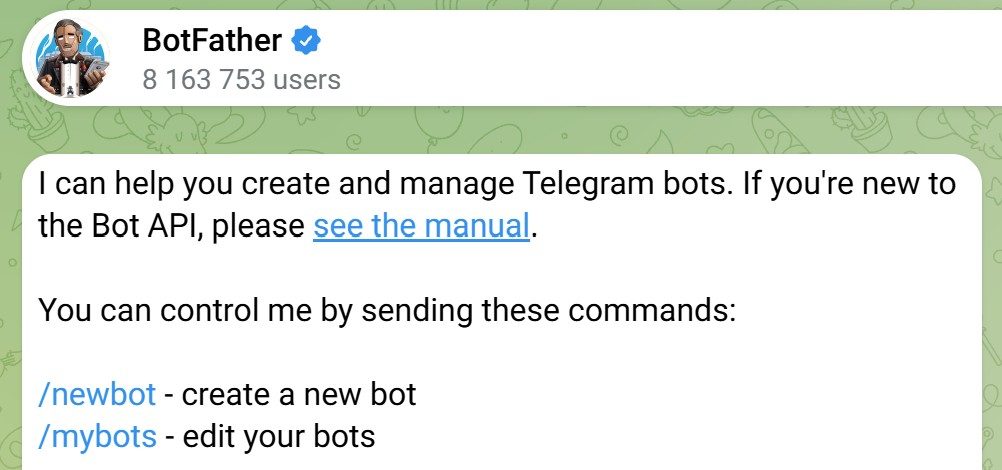
Requests will be sent by your own bot. You can create one with Telegram's official bot @BotFather:
- Open @BotFather and send it the /newbot command.
- Choose a name for the bot, for example "Website requests", and a username ending in bot, for example company_orders_bot.
- BotFather will reply with a token — a long string like 123456789:AAE…. It's the bot's password, don't show it to anyone.
Open your bot right away and tap "Start" (or send /start). A bot can't message a person first until that person has written to it at least once.
How to find the chat ID
For the bot to know where to send requests, you need the chat ID. Send the bot any message and open this address in your browser with your token:
https://api.telegram.org/bot<TOKEN>/getUpdatesIn the response, find the fragment "chat":{"id":123456789 — that number is the ID of your personal chat with the bot.
If several employees should see requests, create a group, add the bot to it and send the /start@bot_username command in the group. The group ID will appear in the getUpdates response — it starts with a minus, for example -1001234567890.
💡 Tip: if getUpdates returns an empty list, send the bot another message and refresh the page. Telegram keeps these updates only for a short time.
Sending a request from PHP
Sending is a regular request to the Telegram Bot API with the sendMessage method. A PHP example with cURL:
$text = "<b>New request from the website</b>\n"
    . 'Name: ' . htmlspecialchars($name) . "\n"
    . 'Phone: ' . htmlspecialchars($phone) . "\n"
    . 'Message: ' . htmlspecialchars($message);

$curl = curl_init('https://api.telegram.org/bot' . TELEGRAM_TOKEN . '/sendMessage');
curl_setopt_array($curl, [
    CURLOPT_POST => true,
    CURLOPT_POSTFIELDS => [
        'chat_id' => TELEGRAM_CHAT_ID,
        'text' => $text,
        'parse_mode' => 'HTML',
    ],
    CURLOPT_RETURNTRANSFER => true,
    CURLOPT_TIMEOUT => 10,
]);
$response = curl_exec($curl);
$result = json_decode((string)$response, true);

if (!($result['ok'] ?? false)) {
    error_log('Telegram: ' . ($response ?: curl_error($curl)));
}
The parse_mode parameter set to HTML lets you format text with tags, for example a bold heading. That's why form data must be passed through htmlspecialchars: otherwise < and & characters in the client's message will break the markup, and Telegram will refuse the message.
If Telegram returns an error or can't be reached, the error text goes to the PHP error log — it makes it easy to see what went wrong. Also note that one message can't be longer than 4096 characters, so it's worth limiting field length in the form.
⚠️ Important: send the message only from the server. If you call Telegram right from JavaScript in the browser, any visitor who opens the page code will see the bot token — and will be able to send messages as your bot.
And of course, such a form needs spam protection, otherwise ads will start arriving in Telegram along with requests. How to do it without a CAPTCHA is in the article "How to Protect a Website Form from Spam Without a CAPTCHA".
Where to store the token
It's convenient to move the TELEGRAM_TOKEN and TELEGRAM_CHAT_ID constants into a separate settings file:
<?php

const TELEGRAM_TOKEN = '123456789:AAE...';
const TELEGRAM_CHAT_ID = '-1001234567890';
Keep this file outside the website's public folder so it can't be opened by a link, and don't add it to git — a token in a repository is easy to publish by accident. If the token does leak, revoke it in @BotFather with the /revoke command and get a new one.
Common errors
- Bad Request: chat not found — wrong chat ID, or the bot isn't in the group. Check the ID again with getUpdates.
- Forbidden: bot can't initiate conversation with a user — you didn't tap "Start" in the chat with the bot. A bot can't write first.
- Forbidden: bot was kicked from the group chat — the bot was removed from the group. Add it again.
- Bad Request: group chat was upgraded to a supergroup chat — the group became a supergroup and its ID changed. The new ID is in Telegram's response, in the migrate_to_chat_id field.
- Unauthorized — wrong token, or the token was revoked.
- Bad Request: can't parse entities — the text contains invalid markup. Most often htmlspecialchars was forgotten for form data.
- The request hangs and nothing arrives — the server can't connect to Telegram: this happens with some hosting providers and in some networks. You can check with the command below.
curl -sS -m 10 -o /dev/null -w '%{http_code}\n' https://api.telegram.orgIf the command times out, the problem isn't the code but the server's network. In that case only another server or hosting will help — read more in the article "How to Move a Website to New Hosting Without Downtime".
So requests don't get lost
Telegram may be temporarily unavailable, and the token may be revoked by mistake. To avoid losing a single request, save it somewhere else too: in a database, a file, or duplicate it to email. Then even if the message doesn't arrive, the request can still be found and handled.
After setting it up, be sure to send a test request from the website — and check that it arrived both in Telegram and in the backup.
Summary
To receive requests in Telegram, create a bot in @BotFather, find the chat ID with getUpdates and send messages with the sendMessage method from the server. Escape form data, keep the token outside the public folder and duplicate requests to a database or email — then no request will get lost.
📨 Want to receive website requests in Telegram? Message me — I'll set up sending, spam protection and backup storage for requests.
Published